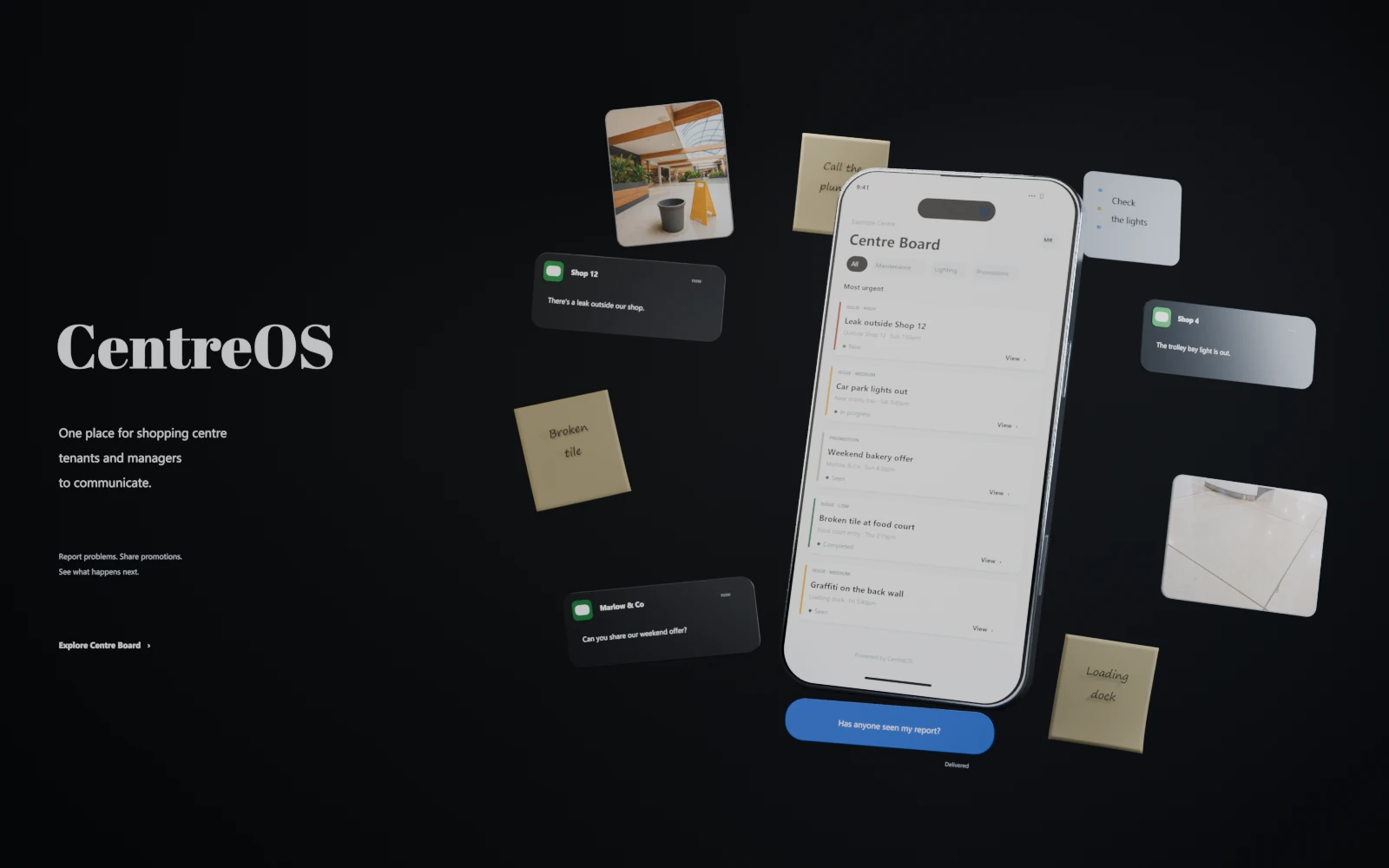
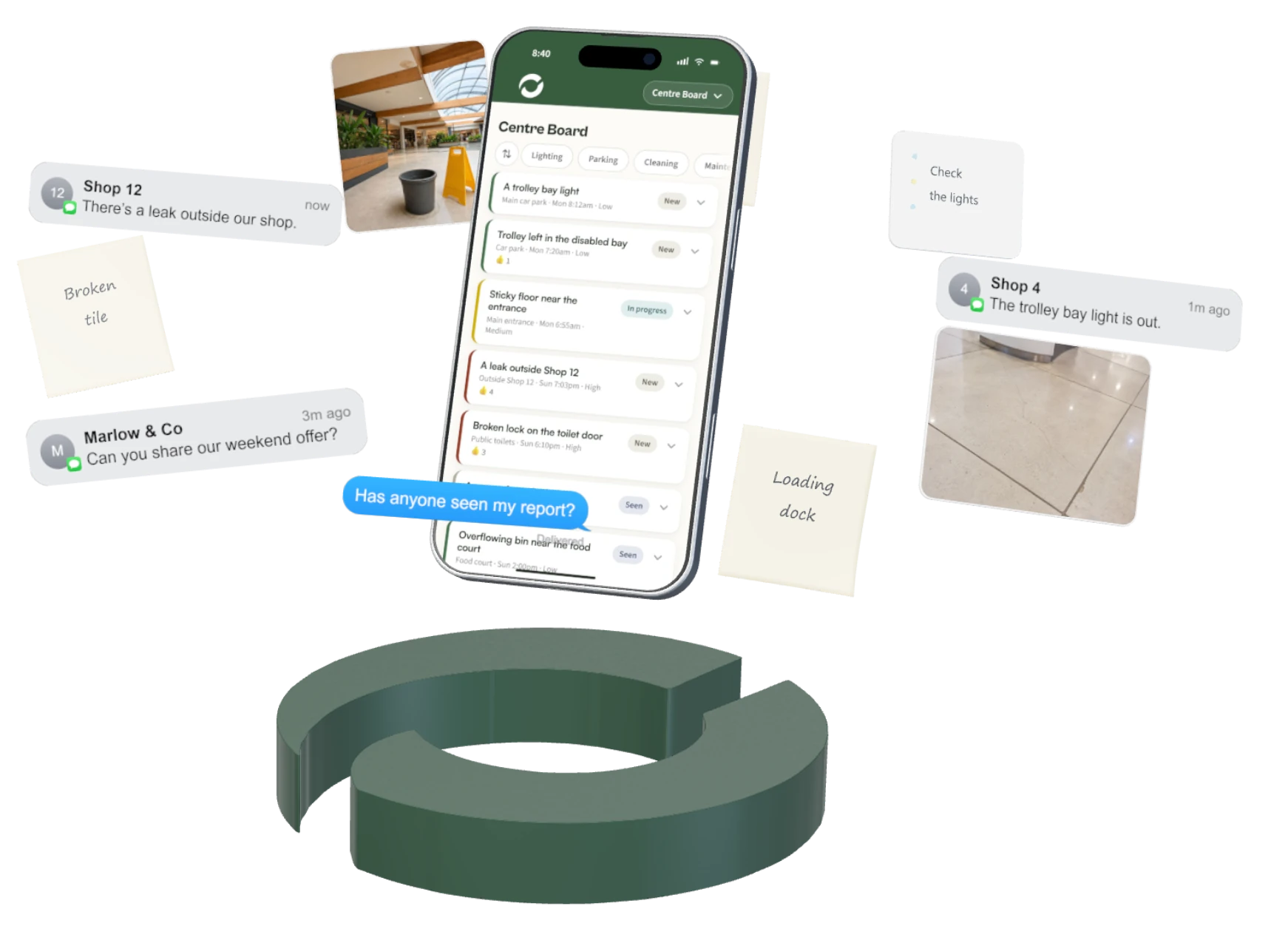
One in an email. One in a text. One someone told you
in the car park.

Every problem in your centre is written down somewhere, and no two are in the same place. Keeping track of it all takes half the day, and there's still a centre to run. CentreOS gives your shops one place to send things, and gives you one place to look.

One central channel, for the whole centre.

From their phone. No app, no accounts.

“I told you about this three weeks ago.”

They did, twice. Once by email, once at the door.

CentreOS gives every report a status you can both see, so they know you're on it, and you know nothing's slipped.

Half your day is asking people if they saw your email.

And half your tenants' day is wondering if you saw theirs.

CentreOS puts a status on every report: sent, seen, in progress, done. Nobody has to ask.

When does the place actually get better?

The problems take up the whole day. A light out, a bin overflowing, a cracked paver in the car park, each one arriving as a call or a text you have to stop and deal with.

Fixing them quickly matters. Leave enough small problems unresolved and they become complaints, from customers to tenants, and from tenants back to you. When renewal comes around, those complaints become reasons to push back on the rent.

CentreOS is one channel for all of it. Nothing to write down, no sticky notes, no scrolling back through your phone to find the message. The reports arrive already sorted. You open one page, check what needs doing, and get it done. Faster, and nothing gets forgotten.

Monday, 8:40am.

One page, with your coffee. Three things came in over the weekend: a trolley bay light, a promo from the bakery, a leak outside Shop 12. Each one has a photo, the exact spot, and a status the shop can already see. You send the leak to your plumber and mark the other two seen. Two minutes, and every shop knows their thing landed. The rest of the day belongs to the plans.

The same week, twice.

Now
With CentreOS
Now: Emails, texts, calls, corridor mentions. Four channels to check before you know what's broken.
With CentreOS: One channel for all of it, with photo evidence and the exact location.
Now: “Did you get my message?” twice a day, every day.
With CentreOS: A status the shop can see. Nobody has to ask.
Now: The morning goes to sorting. The plans wait.
With CentreOS: Sorting takes two minutes.
Now: The same fault reported again, because nobody can see it was heard.
With CentreOS: Reported once, tracked to done, kept forever.

It is built and going in.

We built it for our own family's centres: Kingscliff Shopping Village and ZO Professional Centre in Kingscliff, NSW, with 44 tenancies between them.

Our operations manager was receiving reports through calls, texts and conversations, with no single place to see what had been reported or what had been done. That meant he had to keep track of a hundred different things himself.

That was the part we wanted to fix.

So we gave every issue one place to go. Now a tenant scans the card in their shop, submits the problem, and it lands straight on the manager's dashboard. He can see what is open, what is being handled and what is done, while tenants can check the status themselves.

Same manager. Same centre. Far less to keep in his head.

44

tenancies across our own family's two centres, where it goes live first.

SECURITY AUDITED INDEPENDENTLY, SEPTEMBER 2026

TLS RATED A+ BY QUALYS SSL LABS

GOING LIVE AT TWO CENTRES IN NORTHERN NSW

EVERY RECORD EXPORTABLE. NO LOCK-IN.

Kingscliff Shopping Village

29 TENANCIES · KINGSCLIFF NSW

ZO Professional Centre

15 TENANCIES · KINGSCLIFF NSW

From a tenant's phone. No app, no accounts.

Three things a shop needs to tell you. One place to put them.

Something is not right.

A light out, a bin overflowing, a car park problem, anything broken or unsafe. It arrives with a photo and where it is.

A promotion they are running.

It arrives written down, with its dates, ready to publish.

An idea.

Pop-ups, events, anything they think would bring more people through the doors. Written down, instead of mentioned once in a corridor and never again.

One dashboard. One click to update.

Every tenant gets a private tracking link: New, Seen by management, In progress, Completed. They can see where their thing is, so “did anyone get my message?” answers itself.

Issues show on a shared board, so nothing gets reported twice.

Security, staff and theft reports stay management-only by default.

Nothing is ever deleted. Every request is kept with its date, so when you need to know what happened, you look it up instead of asking who was here at the time.

Download a clean record of every request, with dates and how long each took, ready to print or hand over.

Or pull one tenant's history on its own: what they reported, and when each one was closed.

01 · REPORTED

Sunday, 7:03pm. The shop scans the card on their wall and types.

02 · ON THE BOARD

Monday, 8:40am. It's there before you've opened your email. Status: New.

03 · SEEN

One click. The shop already knows you're on it.

04 · TO THE PLUMBER

You send it on. Status: In progress.

05 · DONE

A dated record, kept forever. Status: Completed.

Centre Board

Tap a status to try it

How it starts.

Freshly printed CentreOS report cards laid out on a table, each showing a different shop's name and PIN.

01 · THE SETUP DAY

A day. We brand it, load your tenant list, and print the PIN cards.

A CentreOS report card mounted on the wall of a shop, beside the counter.

02 · THE CARDS GO UP

A card on every shop's wall. They scan it and they are in. No accounts, no training.

A phone held in hand showing the CentreOS Centre Board, with reported issues, their status and their priority.

03 · REPORTS START LANDING

Each one arrives with a photo and a status the shop can see.

A coffee mug beside a phone on a desk, the phone showing the CentreOS Centre Board.

04 · MONDAY, 8:40AM

One page in the morning. You know the rest.

What this does not do

It does not replace anything you already run.

Emergencies and lease matters still go to you direct. Every page of the app says so.

It does not depend on you being the one who cares.

Five channels only work while the person holding them in their head is still here. When managers change, the cards stay on the shop walls, the tenants keep using them, and the next person inherits the whole history on day one.

It does not lock you in.

Cancel whenever. Take a full copy of every record with you. It runs on standard services any developer can maintain.

It does not need a project.

No floorplan, no integration, no data migration. You can be live tomorrow.

It won't fix the leak. It makes sure you only hear about it once, the right person gets it, and the shop that reported it can see you're on it.

Three tiers. Pick the one that fits.

Most software in this space is priced by quote. Ours is on the page, so you can decide without booking a call.

Basic

$99/month

Report it

Issues, promotions and ideas. Per-tenant PINs. Public board. One dashboard. Urgent-issue emails.

Pro

$249/month

You record what happened

Everything in Basic, plus full notifications, a daily digest, multiple staff logins, a contractor field and basic reporting.

Operations

$499/month

It tells you what to do

Everything in Pro, plus the operations layer: what needs attention today, weekly summaries, recurring-issue detection.

$299 one-off to set up. Branding, your tenant list, PIN cards, deployment and training.
Centres up to about 40 shops. Larger than that, talk to us.

The questions we usually get

They will just ring me anyway.

Probably, and that is fine. We are not trying to stop your tenants ringing you, and anything that tried would fail in a week. The question is what happens to what they told you. Right now that sits in your memory until you get a chance to write it down. With a card in the shop, the same conversation also leaves a record: what it was, when, and where it got to. You still take the call. You just stop being the only place it is stored.

Do my tenants need an account?

No, and that is deliberate. The moment a shopkeeper has to create an account and remember a password, most of them quietly stop bothering, and you are back to texts. So there is nothing to sign up for. They scan the card in their shop, type what they saw, and they are done.

How long does setup actually take?

About a day, and almost none of it is yours. We brand it to your centre, load your tenant list, and print a card for every shop with its own PIN. There is nothing to install and nothing for you to configure. You get a link and a set of cards.

My tenants like dealing with me directly.

Good, and none of that changes. Who they call and how you handle it stay exactly as they are. The only thing that changes is whether what they told you at 9pm on a Sunday survives past that phone call. You are not choosing between being personal and having a system. You are choosing whether the personal service leaves a trace.

What if it is a real emergency?

Then they should ring you, and the app says so on every page. Emergencies and lease matters go to you direct, deliberately. This sits underneath the urgent things rather than in front of them.

We have just changed managers. I would rather settle in first.

Day one is the cheapest day to start. There is no established way of doing things for it to disrupt yet, and every report from here becomes the history the next person inherits, instead of starting from nothing the way you just did. If you would rather wait, that is fair. It costs you the records from the months in between.

We would want it across all our centres, not just one.

You can, and we would still start with one. Rolling six at once means buying the whole thing before any of it has been tested with real tenants. That is the enterprise vendors’ preferred order, not something the problem requires. Prove it at one centre, then roll it out once it is already working.

We already have a website.

It does a different job. Your website tells the centre’s story outward, to shoppers. This is the other direction: a way for your retailers to talk back to you, and a record of what they said.

That is my centre manager’s department.

It is, and that is the point. At the moment “handled” means trusting that it is handled, with no page you can look at yourself. This does not take anything off your manager’s desk or put you in the middle of it. There is simply a record you can check when you want to, and it is the same record a buyer or a lender asks for at sale or refinance.

What happens to our records if we stop?

They stay yours. Everything is available to download for 30 days after you cancel, and after that we permanently delete it. There is no lock-in.

Is it secure?

Yes, and here is what that means in practice. Admin access is key-protected and the app refuses to start in production without one. Your tenants’ data is stored in Australia, access is enforced on the server, and no key is ever sent to a visitor’s device. It was independently audited in September.

Tell us what you are dealing with.

No booking calendars and nothing automated. A person reads what you write and replies. Answer as much or as little as you like.

Step 1 of 3

What are you dealing with?