01 / 06 Tenant
Report once.
Tenants can send issues, ideas or promotions. Here, a location and photo help management understand a new issue.
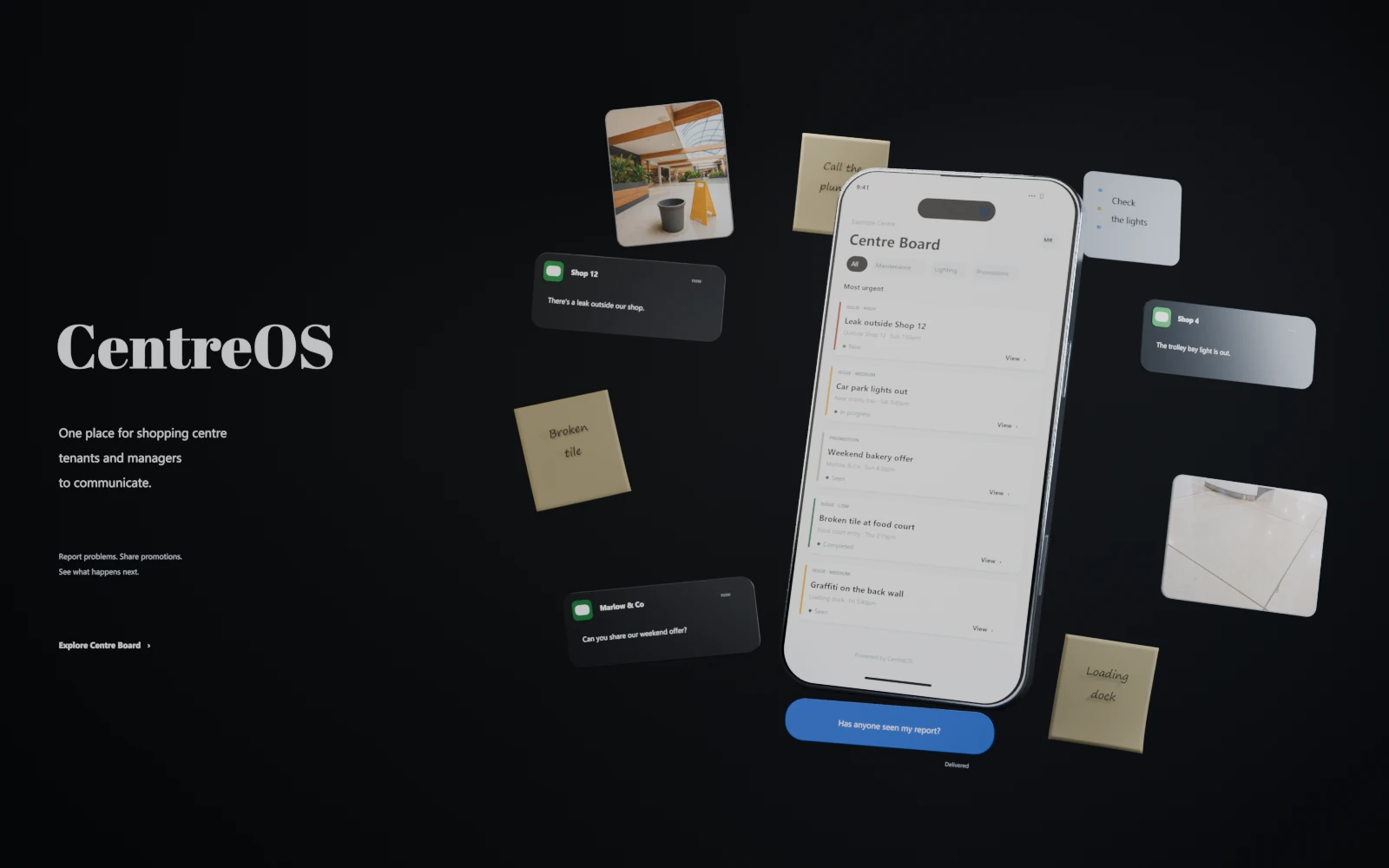
Less chasing. Know what needs attention.
Bring tenant reports, ideas and promotions into one place, and keep your centre informed as work progresses.Tenant reports, ideas and promotions in one place. A clearer picture for management.
See how it works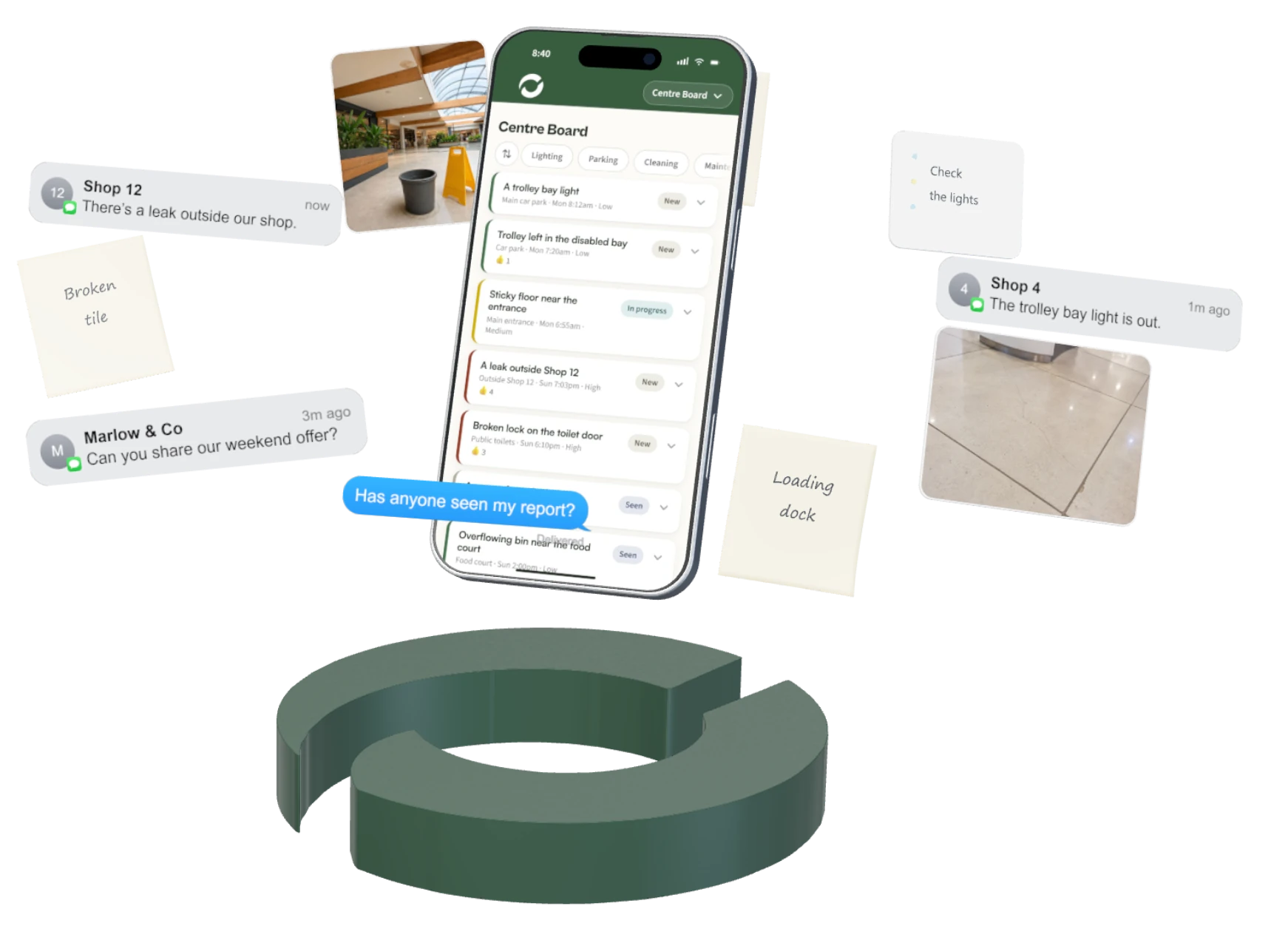
A light out. An overflowing bin. Each arriving as another call or text. Left unresolved, they become complaints tenants remember at renewal.
CentreOS brings reports into one place, so you can see what needs attention and keep tenants updated.
Your turn. Explore as a tenant or manager.
Tenants report a problem from their phone and can see what’s happening with it. You see everything in one place, so you and your tenants share one picture of every issue, and the record keeps itself.
The product preview could not load. .
HOW CENTREOS WORKS
From a tenant noticing a problem to management taking action.
Skip walkthrough01 / 06 Tenant
Tenants can send issues, ideas or promotions. Here, a location and photo help management understand a new issue.
02 / 06 Tenant
CentreOS organises the description into a report. The tenant checks the suggested details before sending.
03 / 06 Tenant
The new report joins Centre Board. Shared reports let tenants see what has already been raised.
04 / 06 Tenant
Open a report to find its description, photo and progress together, without searching through messages.
05 / 06 Manager / Role change
Management sees every submission, including private reports. Opening acknowledges it. Updating its status tells tenants what happens next.
06 / 06 Tenant / Role change
The tenant sees the update on the same report. Its history stays together, so progress does not need another call.
Tenants report. Management acts. Progress stays visible.
Your centre runs on CentreOS, set up with your logo, colours and name. Tenants see your centre, with CentreOS working behind it.
Australian-owned. Shaped by feedback from our own centre manager.
What changes
Every shop can tell you, with a photo, the moment something needs attention.
Every report shows its progress, so shops know their problem is being handled.
Tenants check progress online instead of asking you, and you’re not chasing them for details.
Every report from every shop, organised on one board instead of spread across texts and emails.
One price for your centre
Every plan starts with a one-off $299 setup. I set up CentreOS with your centre’s logo, colours and name, load your tenant list and make a PIN card for every shop, ready to print.
$99/month per centre
CentreOS for your tenants.
Bring tenant communication, maintenance requests, promotions and ideas into one simple place.
$249/month per centre
Take more control of your centre.
Get greater visibility, smarter workflows, analytics and more powerful tools to keep day-to-day operations organised and moving.
$499/month per centre
Let CentreOS help run the centre.
Unlock CentreOS AI to understand your centre, prioritise what matters, detect recurring issues, recommend next actions, draft communications and help you stay ahead.
Basic helps you communicate. Professional helps you coordinate. Operations helps you anticipate.
For centres up to about 40 shops. Larger centre? Talk to me.
Three quick questions. I’ll set it all up, so from day one it’s keeping track of every tenant report for you.
Got a question first? Email max@centreos.com.au
Before you bring it to your centre
Probably, and that is fine. I’m not trying to stop your tenants ringing you, and anything that tried would fail in a week. The question is what happens to what they told you. Right now that sits in your memory until you get a chance to write it down. With a card in the shop, the same conversation also leaves a record: what it was, when, and where it got to. You still take the call. You just stop being the only place it is stored.
No, and that is deliberate. The moment a shopkeeper has to create an account and remember a password, most of them quietly stop bothering, and you are back to texts. So there is nothing to sign up for. They scan the card in their shop, type what they saw, and they are done.
Usually three to five business days from the day you send your shop list, and almost none of the work is yours. I set up CentreOS with your centre’s logo, colours and name and make a PIN card for every shop, ready to print. There is nothing to install and nothing for you to configure.
Then they should ring you, and the app says so on every page. Emergencies and lease matters go to you direct, deliberately. This sits underneath the urgent things rather than in front of them.
They stay yours. If you cancel, I’ll send you a full export of your records, and after 30 days I permanently delete them. There is no lock-in.
Yes. Your data is stored in Australia. Every request is checked on the server, so tenants only ever see the public board and their own reports, and the management side sits behind your own password.